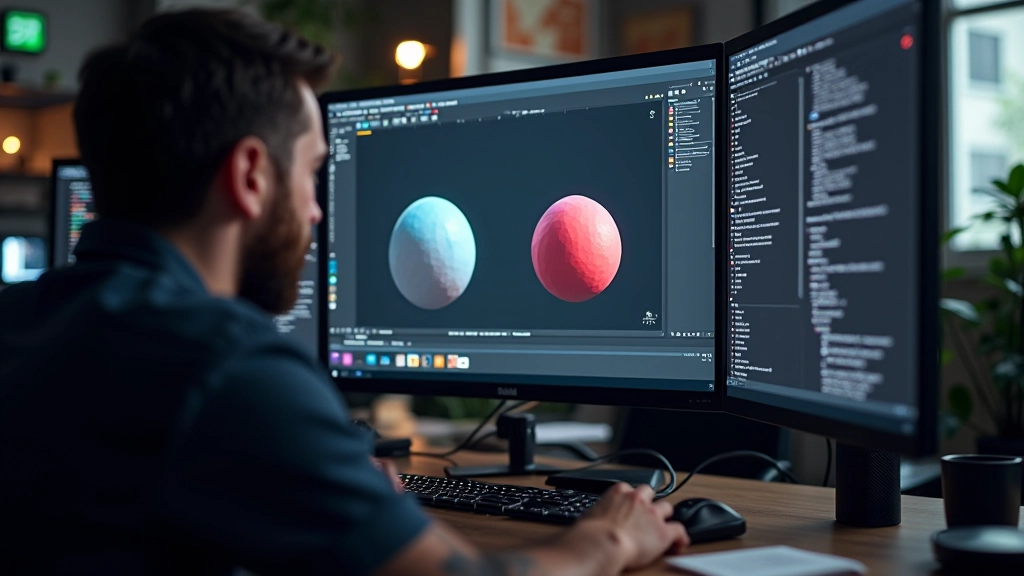
Getting Comfortable with the Unreal Editor
Navigate the viewport, understand panels, and organize your workspace. Most people get lost in the interface — we’ll show you where everything is and why it matters.
Sketching layouts, blocking out spaces, and thinking about composition first saves you hours of rework. We’ll show you the planning process our instructors use.
Most people jump straight into building. They start placing assets, adjusting props, and realize halfway through that nothing fits together. The smart approach? Spend 30 minutes planning before you touch anything in the editor.
We’re not talking about elaborate storyboards here. We’re talking about simple, practical planning that saves you days of frustration. It’s the difference between wandering around the engine aimlessly and knowing exactly what you’re building and why.
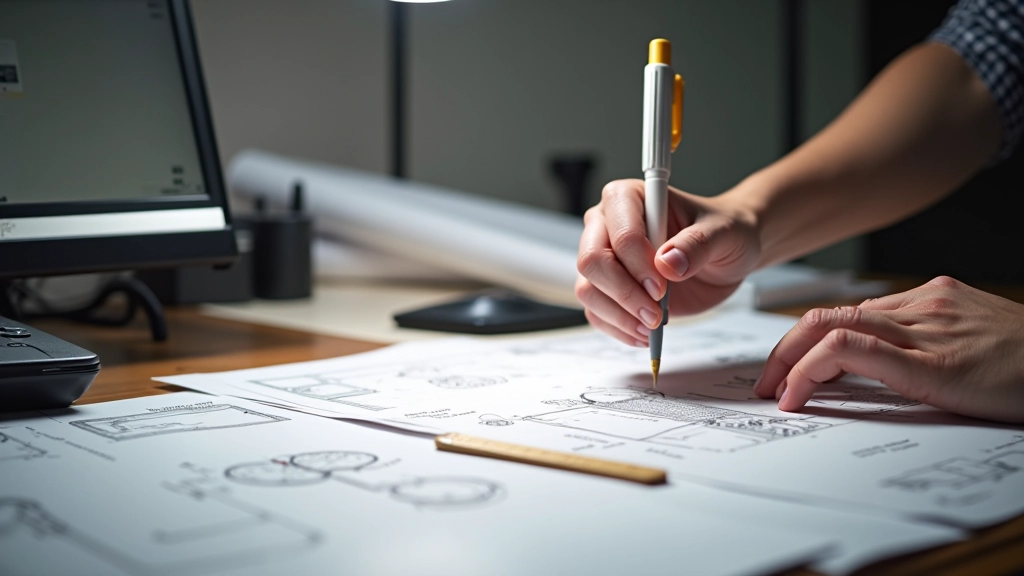
Grab a pencil. Literally. Sketch your scene on paper or a tablet. Don’t worry about it being pretty — this is just for you. Draw the layout from above, mark where the camera will be, show roughly where major elements go.
This 10-minute sketch does something critical: it forces you to think about spatial relationships before you’re stuck dealing with the software. You’ll catch composition problems before they exist. You’ll notice if your focal point is off-center, if your depth feels flat, or if the space doesn’t flow logically.
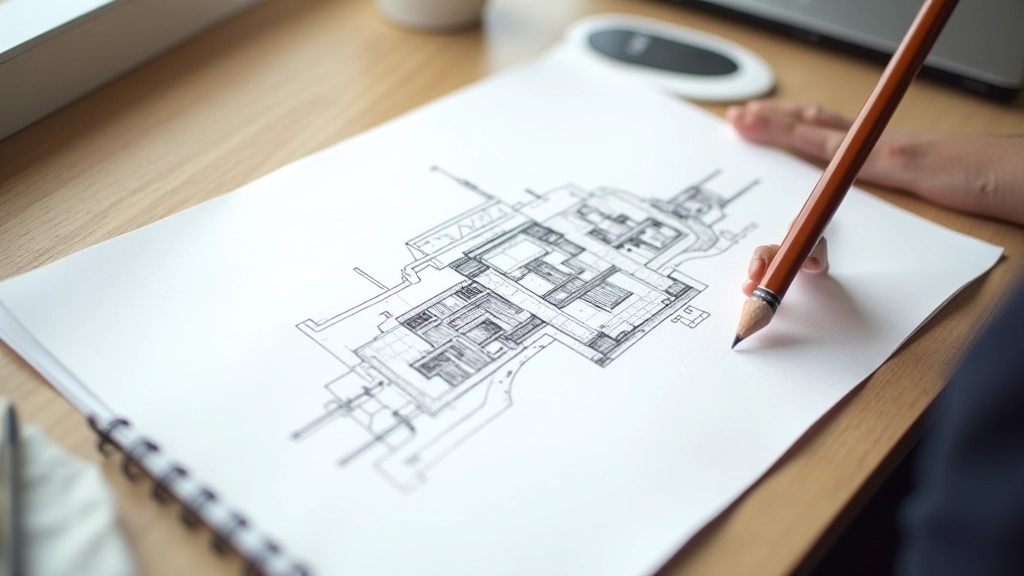

Once your sketch exists, it’s time to block out the actual scene. Use simple geometry — cubes, planes, cylinders. Nothing detailed. You’re just establishing the spatial relationship between elements.
This is where most people get impatient. They want to add the final assets, the textures, the lighting. Don’t. Stay simple for now. Place a cube where the building goes. A plane for the ground. Cylinder for a tree. You’re creating a spatial foundation that you can verify works before investing time in details.
Walk through your blocked-out scene. Check sight lines from the camera. Does the eye naturally move where you want it to? Is there visual hierarchy? Can you tell what’s important? If the answer to any of those is no, you’ll fix it in minutes with simple blocks instead of hours reworking detailed assets.
Pro tip: Test your camera angles at the blocking stage. Dolly in and out. Pan around. See how the space reads from different perspectives. You’ll catch awkward compositions and sight line problems before you’ve built anything substantial.
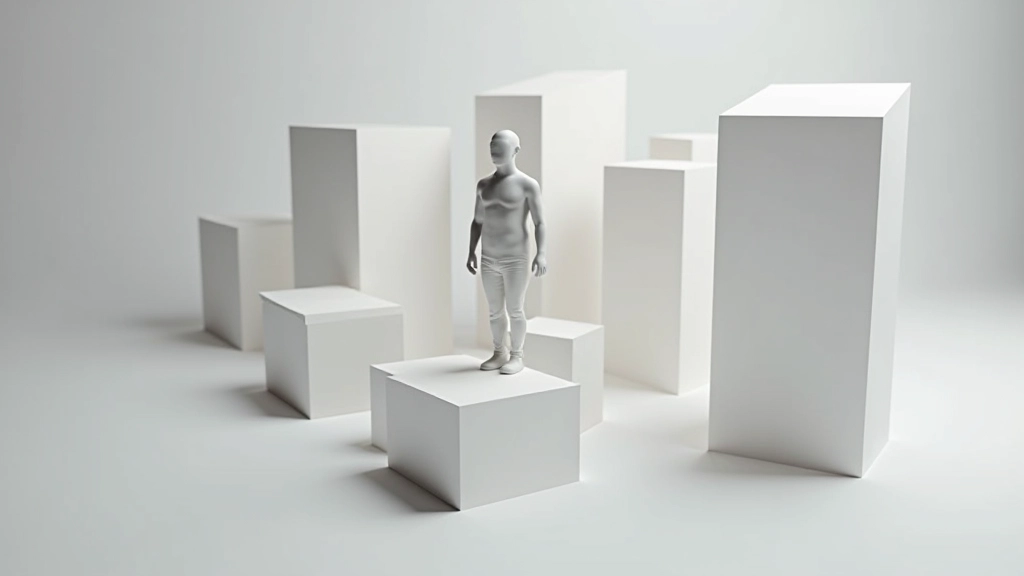
Scale kills projects. You place a building and realize it’s enormous. You add a door and it’s tiny. You’ve spent two hours on an asset that now doesn’t fit. The blocking phase solves this.
Use Unreal’s measurement tools. Place a character placeholder — Unreal has default character meshes. Build your blocking around that. A doorway should be about 2.1 units tall. A standard room might be 3 units high. Hallways should be walkable. When everything is blocked and properly scaled, your detailed assets will snap in naturally.
We’ve seen countless scenes where someone spent weeks on assets only to discover they’re the wrong size for the space. Blocking prevents that entirely. You establish scale before anything detailed exists.
This entire process — sketch, block out, test camera, verify scale — should take about 30-45 minutes for a moderately complex scene. For a simple environment, 15-20 minutes is realistic. You’re not being thorough; you’re being smart.
Compare that to the alternative: building without planning. You might spend 5-6 hours before realizing the layout doesn’t work, the scale is wrong, or the composition is flat. Then you’re reworking everything. That’s not time saved; that’s time wasted.
The instructors we work with consistently say the same thing: every minute spent planning saves three minutes in production. It’s not just about avoiding mistakes. It’s about building with confidence instead of constantly second-guessing decisions.
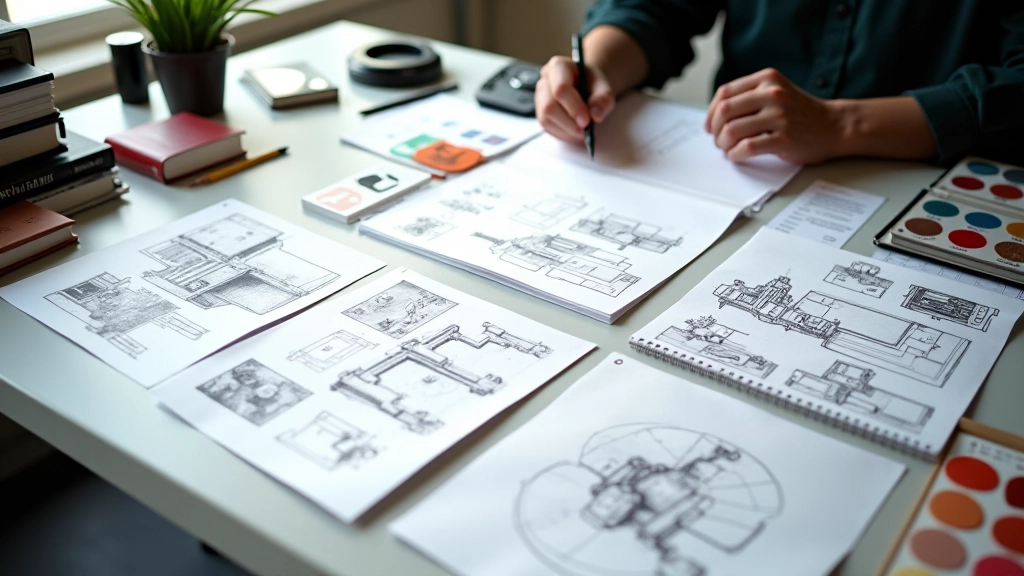
Here’s what you don’t see in the planning stage: you’re actually making your best creative decisions. When you’re blocking out shapes and testing compositions, you’re in the design phase. You’re not distracted by shaders, by lighting, by texture detail. You’re just thinking about form and space.
This is when you realize the focal point should be off-center, not dead-center. When you decide that a secondary element needs to frame the main subject. When you discover that removing an entire building actually strengthens the composition. You can’t see these things when you’re drowning in asset detail.
Planning isn’t busywork. It’s the creative work that makes everything else better.
Note: This guide is educational content about scene planning methodologies used in virtual world creation. Specific techniques and timeframes are based on typical workflows and may vary depending on project scope, team structure, and individual experience levels. Always adapt planning processes to your particular project needs and constraints.
The best virtual environments don’t happen by accident. They happen because someone spent time thinking about them before building. A sketch. Some blocks. A camera pass. 30 minutes of planning transforms the entire production process.
Try it on your next project. Spend the planning time. Don’t rush to the editor. You’ll move faster, make better decisions, and end up with a scene that actually works. That’s not wasted time — that’s the only time that matters.