
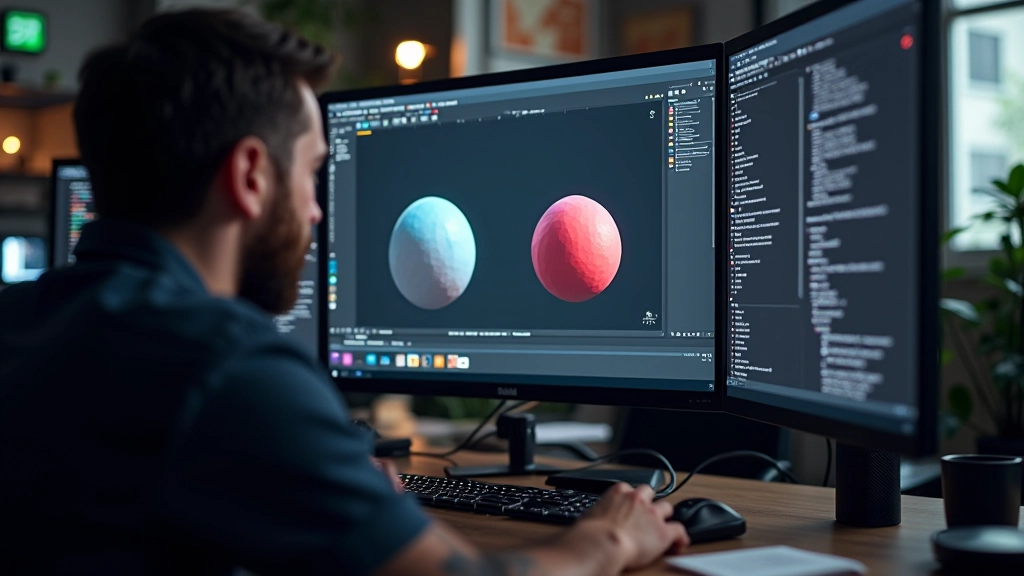
Getting Comfortable with the Unreal Editor
Navigate the viewport, understand panels, and organize your workspace. Most people spend weeks learning the interface.
Read MoreLearn how three-point lighting works in Unreal. We’ll cover directional lights, spotlights, and using light functions to create mood and depth in your scenes.
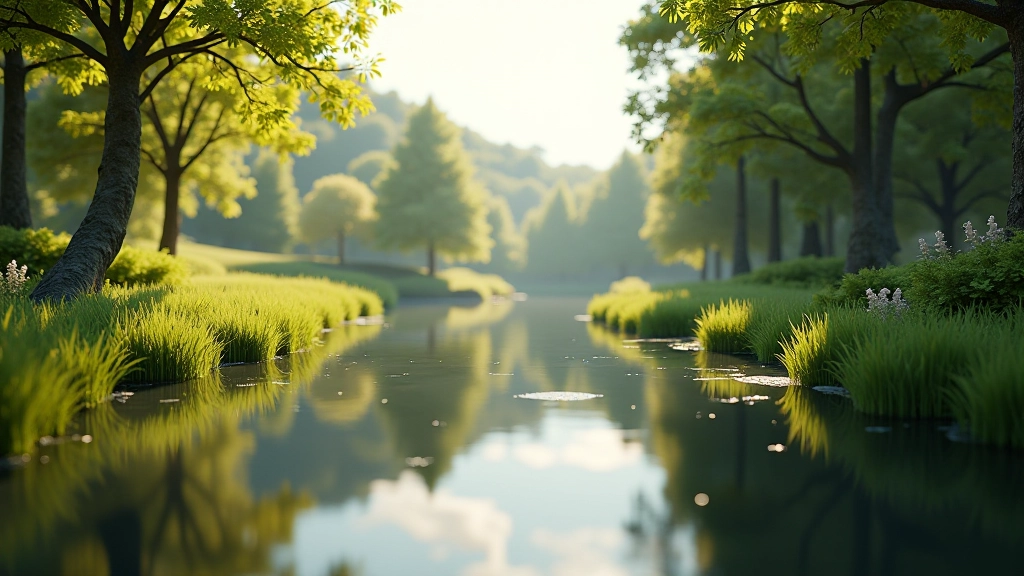
Good lighting isn’t about making things bright. It’s about telling a story. When you walk into a room with harsh overhead lights, it feels different than a room lit by warm lamps in corners. Your brain reads these signals instantly. Unreal Engine gives you incredible tools to create that same psychological impact in virtual worlds.
We’ve built outdoor scenes that felt flat and lifeless. Then we added proper directional lighting, bounced some light off surfaces, and suddenly everything popped. The same geometry looked three times better. It’s not magic — it’s technique. We’re going to show you exactly how to do it.
Key light types to master
Core lighting principles
Techniques covered in depth
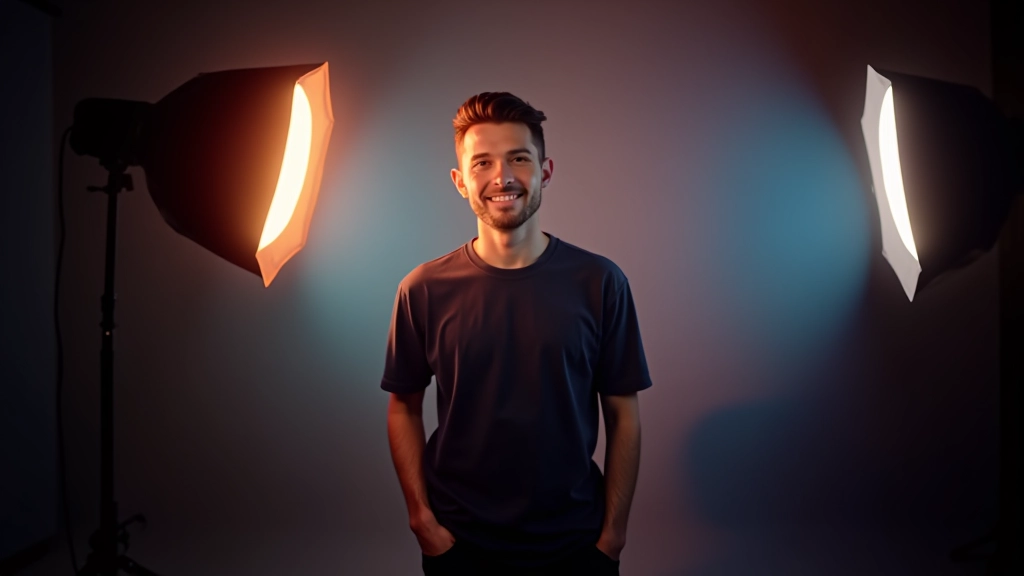
Three-point lighting isn’t just for photography studios. It’s the backbone of professional scene design. You’ve got your key light (the main light source), your fill light (softens shadows), and your back light (separates objects from the background). In Unreal, you’ll typically use directional lights for outdoor key lighting and spotlights for focused areas.
Here’s what we learned: the angle matters more than intensity. A key light hitting at 45 degrees creates depth and dimension. If you blast everything with overhead light, you flatten the scene. It doesn’t look wrong exactly — it just doesn’t feel real. People won’t know why. They’ll just feel like something’s off.
Position at 45 angle, intensity between 1.5–2.5. Don’t go above 3 unless you’re creating dramatic effect.
Keep at 0.5–0.8 of your key light intensity. Too bright and you lose the shadows that create depth.
This tutorial provides educational guidance on lighting techniques within Unreal Engine. Actual results depend on your specific scene setup, hardware capabilities, and creative decisions. The techniques described here are general best practices; your unique projects may require different approaches based on artistic vision and technical constraints.
Spotlights are your precision instruments. Unlike directional lights that affect everything, spotlights create defined cones of light. You’ll use these to draw attention to specific areas — a doorway, a piece of architecture, a character’s face. They’re also incredible for creating nighttime atmosphere. One spotlight with a warm color temperature in an otherwise dark scene reads as “cozy” instantly.
The source radius property is critical here. Too small and your light looks artificial and harsh. Too large and it becomes diffuse. We typically start at 5–15 units depending on the scene scale. You want shadows that are soft but still visible. That’s what sells the reality.
Place spotlight in your scene at the focal point
Adjust intensity (usually 1.0–2.0 for interior scenes)
Set source radius between 5–15 for soft shadows
Fine-tune color temperature for mood
Light functions are textures that modify how light is cast. They’re not just for special effects. A subtle light function can simulate light filtering through trees, window blinds, or weathered glass. The effect is immediate — suddenly your lit scene feels grounded in a real environment instead of floating in void.
We use light functions constantly. A moving light function creates the illusion of rustling foliage. A repeating pattern suggests light through a fence. Don’t overthink it. Sometimes the simplest functions are the most effective. A basic gradient or perlin noise pattern gets you 80% of the way there. You don’t need elaborate textures.
Color temperature matters too. Warm light (around 2500–3500K) reads as sunset or artificial lighting. Cool light (5500K+) feels like midday sun or moonlight. Unreal’s default is neutral. Push it deliberately. If your scene feels generic, temperature might be why.

We’ve taught this to hundreds of students over the past 14 years. The most common mistake? Too many light sources competing for attention. You don’t need every surface lit from multiple angles. A simple key light plus one accent light often outperforms a complex setup with five sources. Your eye should know where to look.



You’ve got the fundamentals now. The real learning happens when you build something. Start with a simple scene — a room, a corridor, an outdoor area. Get the three-point setup working. Then add a light function. Watch how it transforms the space.
Lighting isn’t something you master once and move on from. Every scene teaches you something new. Different materials react differently. Different geometries need different approaches. That’s what makes it interesting. You’re not following a recipe — you’re developing an eye for light and shadow.
Questions? We’re here to help. Reach out anytime you’re stuck on a particular setup or you’re not getting the mood you want.
Get in Touch