
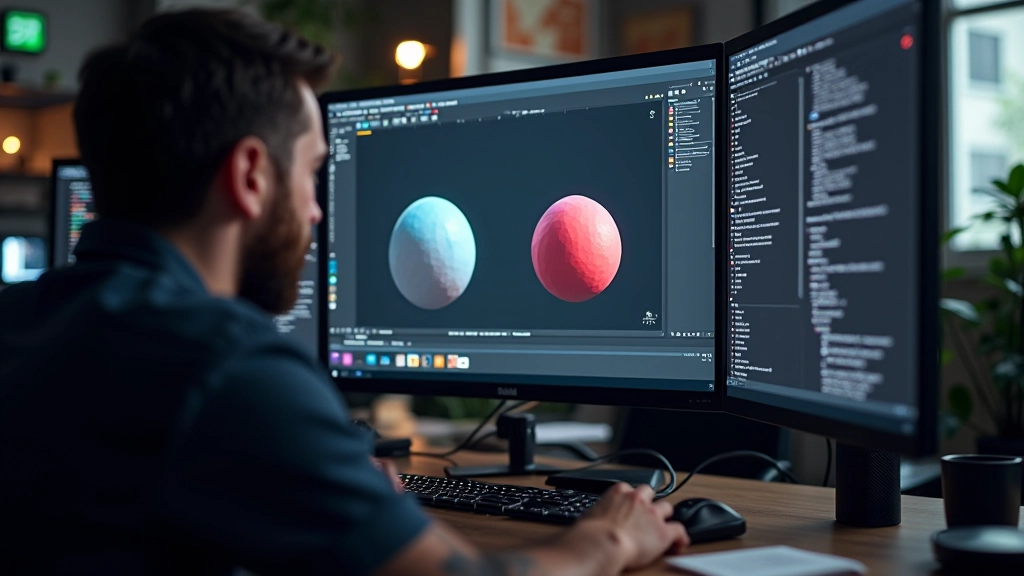
Getting Comfortable with the Unreal Editor
Navigate the viewport, understand panels, and organize your workspace. Most people spend their first week just learning where everything is — that’s normal.
Read MoreMaster virtual world creation with Montreal’s leading workshop series. Learn from industry professionals building immersive experiences.
Everything you need to know about getting started with virtual world creation
Not at all. We’ve designed our workshops for complete beginners through advanced developers. You’ll start with the fundamentals — navigation, basic asset placement, lighting — and progress at your own pace. Most participants pick things up quickly once they understand how the editor works.
You’ll create small but complete environments. Think: a photorealistic interior space, an outdoor scene with realistic lighting, or a simple interactive experience. These aren’t trivial — they’re real portfolio pieces you can show to studios or use in your own projects.
Completely online. Sessions are recorded so you can watch at your own time if you can’t make the live session. We use screen sharing, breakout rooms, and one-on-one feedback during projects. It’s hands-on even though we’re remote.
Unreal Engine (free to download) and a decent computer. We provide specs recommendations in your welcome email. Most modern laptops will work fine — we’ve had people join from MacBooks, gaming rigs, and mid-range Windows machines. We’ll help troubleshoot setup issues before day one.
Essential articles to prepare for your virtual world creation journey
Navigate the viewport, understand panels, and organize your workspace. Most people spend their first week just learning where everything is — that’s normal.
Read More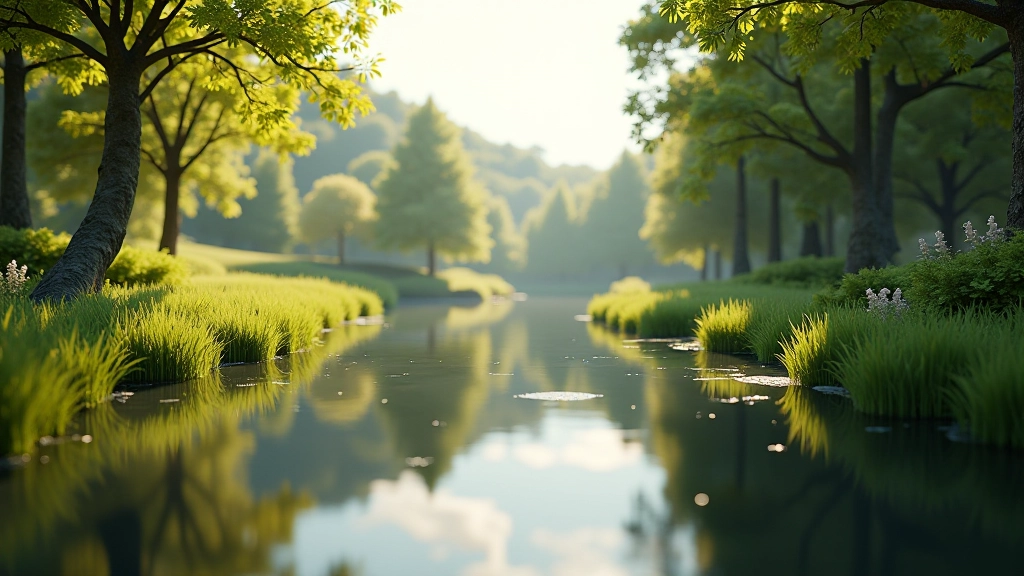
Learn how three-point lighting works in Unreal. We’ll cover directional lights, spotlights, and using light functions to create mood and depth in your scenes.
Read More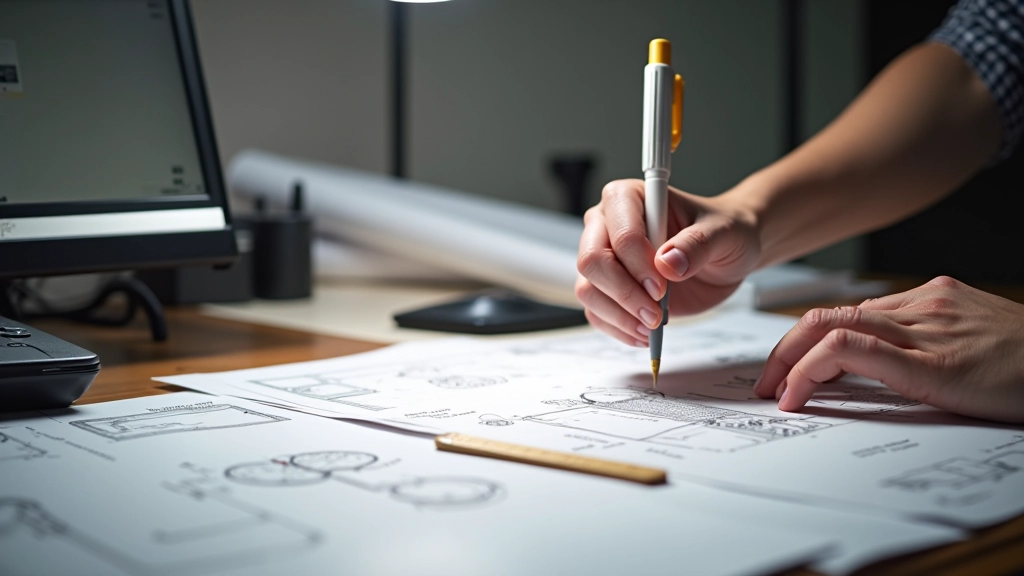
Sketching layouts, blocking out spaces, and thinking about composition first saves you hours of rework. We’ll show you the planning process our instructors use.
Read More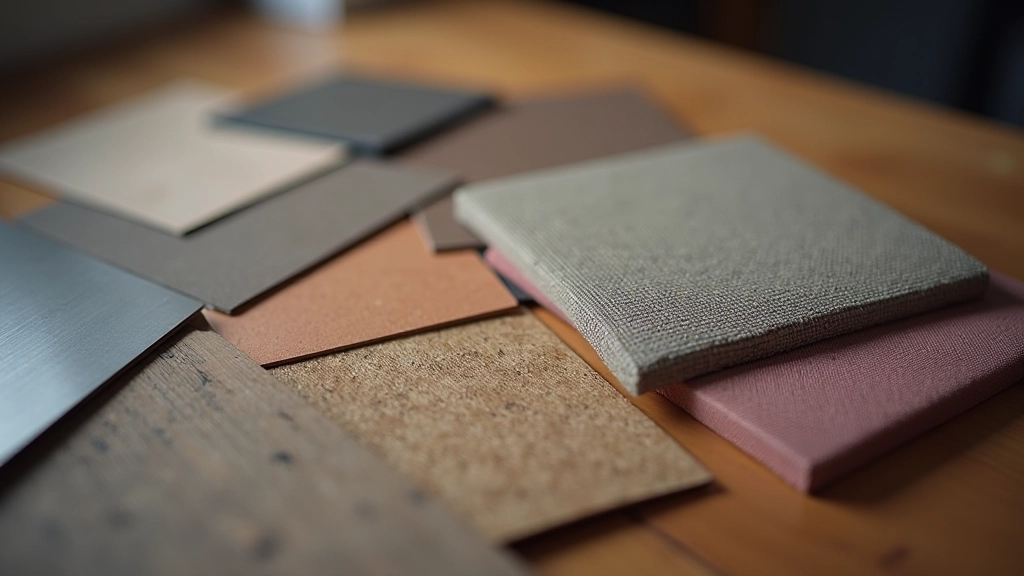
We’ll break down PBR workflows, metallic values, roughness maps, and how to combine textures for surfaces that actually look like something real.
Read More